TEVIK COTA · CONSTRUCTION · IOS
Tevik Cota
Simple on site. Useful every day.
Photograph, annotate and share what matters on site.
Measurements are entered manually.
Coming soon
FROM PHOTO TO RECORD
Photograph. Mark. Share.
- 01
Fotografar
Take a photo or import an image and organize it by the project it belongs to.
- 02
Marcar
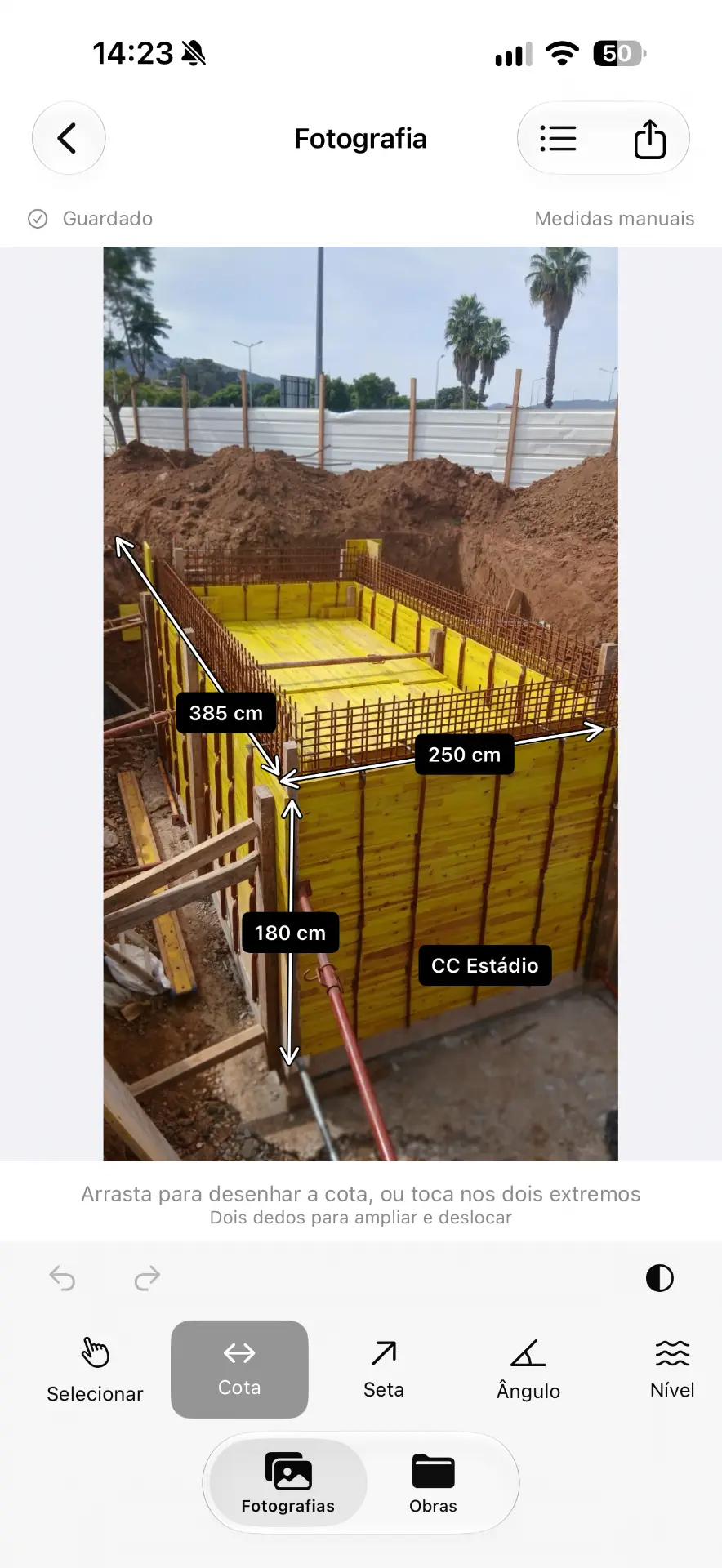
Add dimensions, text, arrows, angles and levels to the photo.
- 03
Share
Export an image or a PDF with the date, time, location and job name.
RIGHT ON THE PHOTO
The right dimension. In the right place.
A site photo with dimensions and notes right where they matter. When you return to the record, the image and measurements are in the same place.
- Dimensions in mm, cm and m
- Text, arrows, angles and levels
EVERY PROJECT IN ITS PLACE
Take photos today. Refer back later.
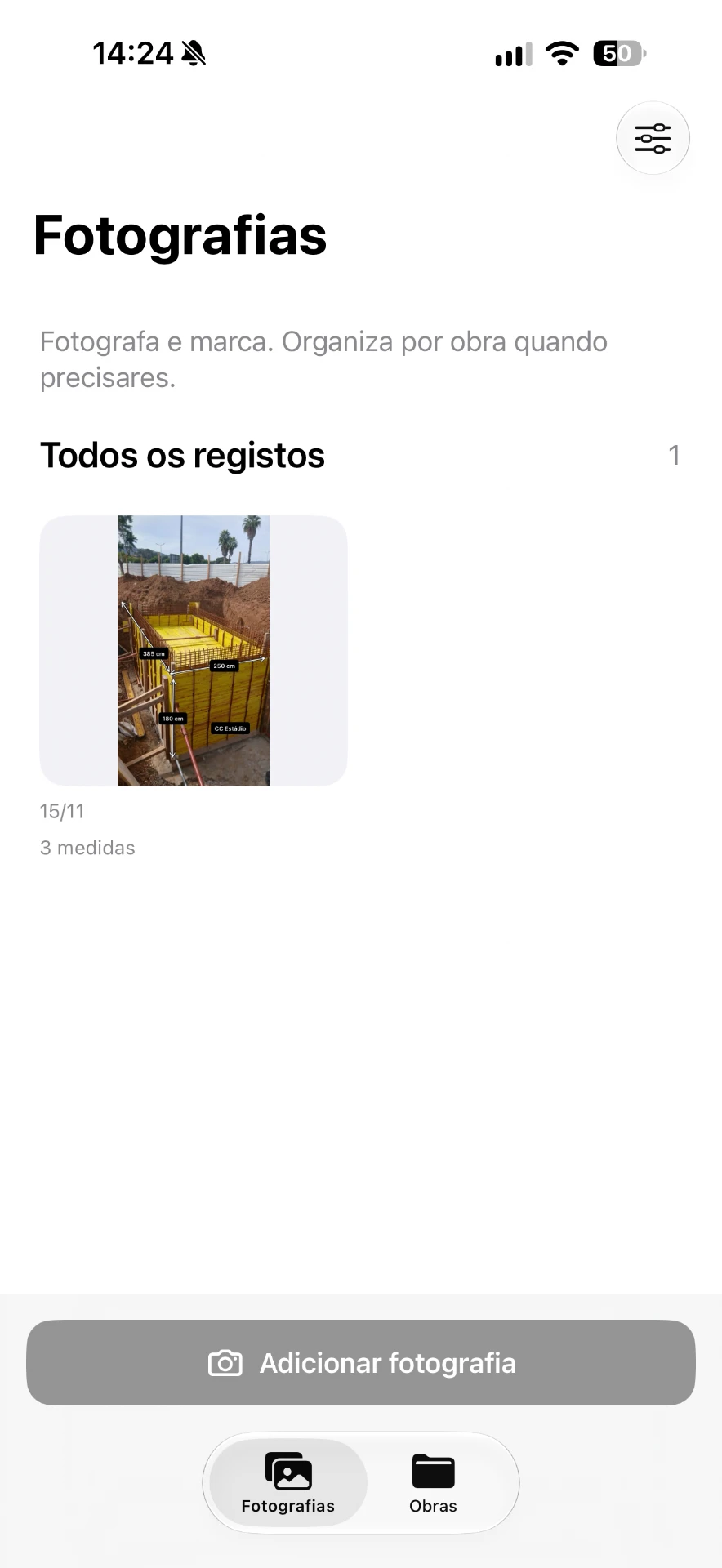
Save photos and organize them by job when you need to. Records stay together so you can refer to them throughout the work.
- Take or import photos
- Photos organized by job
THE ESSENTIALS AT HAND
Less distraction. More clarity.
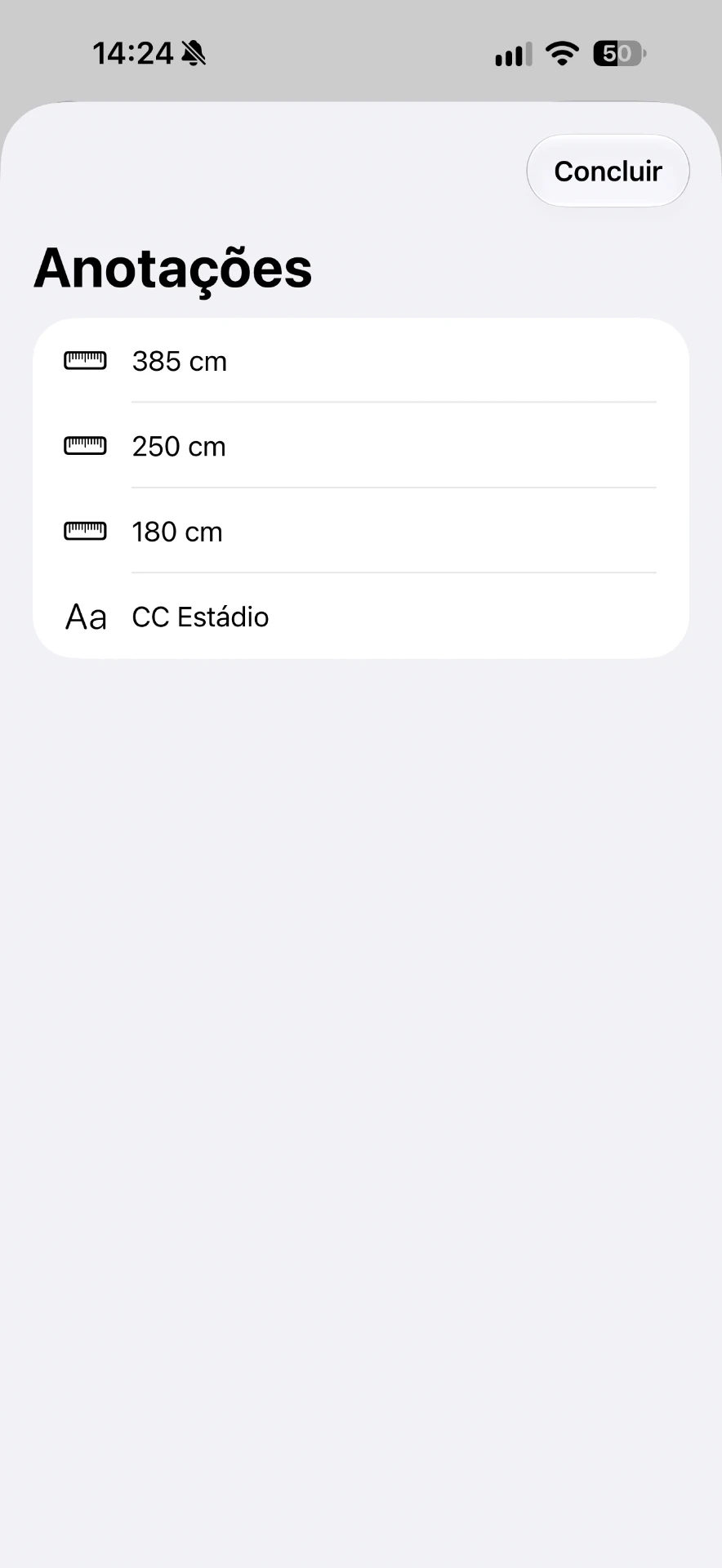
The photo's dimensions and text brought together in a simple list. Review the annotations and prepare a record to share with the people you work with.
- Measurements and notes together
- Image or PDF export
DESIGNED FOR THE JOB SITE
The essentials for your working day.
The photo is the starting point.
Take photos on site or import photos you already have.
Every project in its place.
Organize photos by job site and keep records together.
The project's units.
Dimensions in mm, cm or m, in the same record.
More than dimensions.
Annotate the photo with text, arrows, angles and levels.
A record to share.
Export an image and PDF with the date, time, location and job name.
Local data.
Tevik Cota data is stored locally on the device.